
If #Apple thought that Liquid Ass would distract everyone from the Apple Intelligence failure, boy were they right for all the wrong reasons.
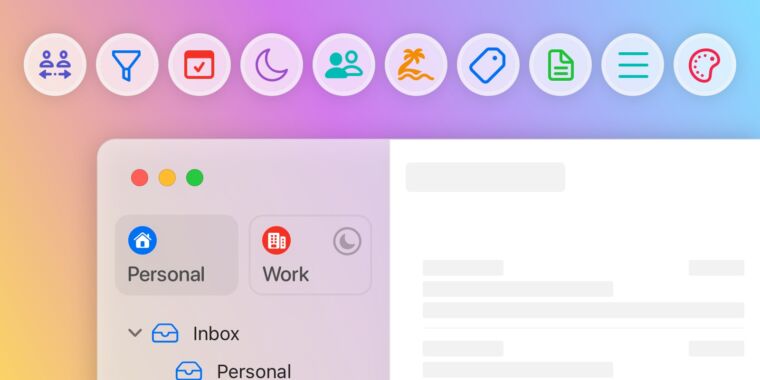
The best Mac client for Gmail users is now a 1.0 release with nifty new features
arstechnica.com
Non Sequiturs is the personal blog of Michael Argentini.
I'm a software developer and Managing Partner for Fynydd and Blue Sequoyah Technologies, the project lead for Coursabi, and Āthepedia founder. I also have several nerdy open source projects on Github.
I'd describe myself as an Oxford comma advocate, autodidact, aspiring polymath, and boffin, with a mechanical keyboard addiction. You can also find me on Mastodon.
If #Apple thought that Liquid Ass would distract everyone from the Apple Intelligence failure, boy were they right for all the wrong reasons.
Your anger with Tim Cook for kowtowing to Trump is misguided. It’s his job to put Apple’s interests first. #Apple is not “better than that” and they don’t care about you the way you care about their products. Even their holy stance on privacy is nothing more than a competitive advantage.
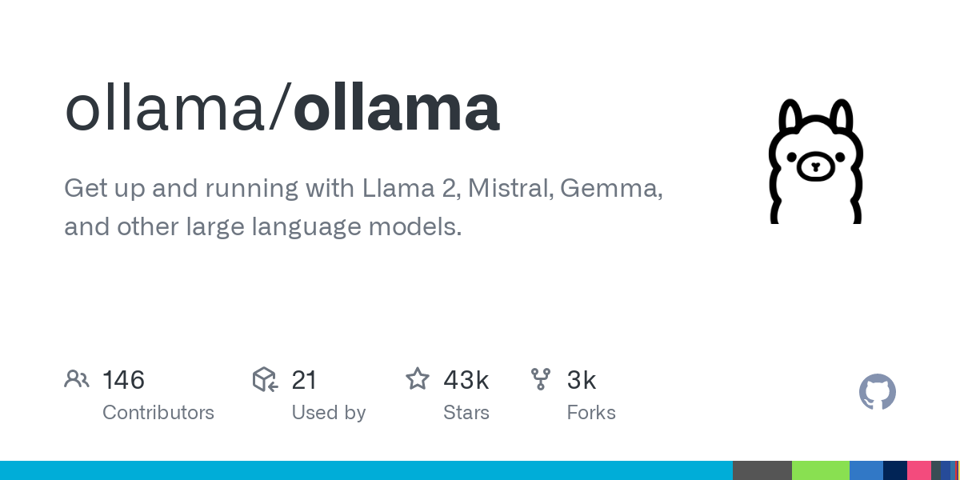
By default the ollama API runs on the localhost IP address of 127.0.0.1. If you want to host it on all of your Mac's IP addresses it requires that you set a system-wide environment variable. The problem with doing this is that Login Items (in System Settings) can launch before Launch Agents. This means that Ollama (in the menu bar) may not see the host settings. To solve this you need to launch Ollama at startup after a delay.
Here's how to add the host binding for all IP addresses on the Mac and then have Ollama launch 10 seconds after you sign in. This works in macOS 14.5 Sonoma and should work in later versions.
Step 1: Create a launch daemon plist file below. Save it as com.nonsequiturs.ollama.plist.
<?xml version="1.0" encoding="UTF-8"?>
<!DOCTYPE plist PUBLIC "-//Apple//DTD PLIST 1.0//EN" "http://www.apple.com/DTDs/PropertyList-1.0.dtd">
<plist version="1.0">
<dict>
<key>Label</key>
<string>com.nonsequiturs.ollama</string>
<key>ProgramArguments</key>
<array>
<string>/bin/launchctl</string>
<string>setenv</string>
<string>OLLAMA_HOST</string>
<string>0.0.0.0</string>
</array>
<key>RunAtLoad</key>
<true/>
<key>LaunchOnlyOnce</key>
<true/>
</dict>
</plist>
Step 2: Copy the file to two locations:
/Library/LaunchDaemons/
~/Library/LaunchAgents/
This will set the host bindings at the system level, and also at the user level. So you should be covered no matter how you launch Ollama in the future.
Step 3: Set file permissions on the system-level file.
sudo chown root:wheel /Library/LaunchDaemons/com.nonsequiturs.ollama.plist
sudo chmod 644 /Library/LaunchDaemons/com.nonsequiturs.ollama.plist
Step 4: Install the launch agents:
sudo launchctl bootstrap system /Library/LaunchDaemons/com.nonsequiturs.ollama.plist
launchctl load ~/Library/LaunchAgents/com.nonsequiturs.ollama.plist
Now your system will start up and bind the Ollama host address to all IP addresses on the Mac.
Step 5: To launch Ollama after a 10 second delay, Open Script Editor and create the simple AppleScript file below.
delay 10
tell application "Ollama" to run
In the File menu choose Export, and then export it as type “Application” and name it “LaunchOllamaDelay”. Save it to your user Applications folder.
In System Settings go to Login Items and add the LaunchOllamaDelay application to the startup items. Also remove any existing Ollama startup item.
Now when you restart and sign in, Ollama will launch after 10 seconds which should be enough time for the Launch Agent to have executed. And if Ollama updates itself in the future it should also just work when it restarts.
Mac Pro Tip: When copying a git repository directory to your network file server using rsync, try this:
rsync -brtlvP --chmod=Fu+w --delete-before Code/MyProject/ /Volumes/MyServer/Code/MyProject/
This will copy the files with timestamps but no other attributes, and will also give the file owner (you) full access rights. This ensures that you (or even Windows users with access rights) can overwrite the directory contents later because local read-only files (e.g. in the .git directory) won't be read-only on the server. You can also change the chmod option to customize the rights, like ensuring everyone has full control.
My favorite iOS Mastodon app is being released for macOS on May 23, 2023! It’s elegant and feature-rich on iOS. I can’t wait to use it on my Mac.
Mimestream is the BEST macOS email app for people who use Gmail. I’ve been using it throughout the beta period and subscribed immediately when they released 1.0 today. It’s great!
#apple #macos #email #app #recommendation
arstechnica.com
On macOS it's pretty easy to automate the installation of all your apps, including Mac App Store apps, for those times when you get a new Mac or wipe your current one. As a software developer I find this capability indispensable, as would any professional or power user.
All you need to do is install Homebrew and then use it to install mas (which is an acronym for Mac App Store). Once they are installed, you can install all your software using a convenient Bash script. Homebrew will be used to install non-store apps, and mas will handle installing the Mac App Store apps.
Note: only Mac App Store apps you have already installed previously can be installed with mas. You cannot install new apps you have never installed from the store.
The most obvious reason to script out your software installations is that it greatly reduces the time to set up a new Mac, as well as ensure that you don't forget to install one or more apps. It also provides a way to update all the apps at once via the brew upgrade command. And it also provides a way to update apps that don't have their own update feature.
Apps installed with mas will be updated normally by the Mac App Store.
In order to use this process you need to know the names of the Homebrew formulae/casks for each application, and you also need to know the IDs of the Mac App Store apps for mas. Fortunately this is super easy.
First, Homebrew has a tool for finding software available in their service at https://formulae.brew.sh/. Simply use this to find your apps and make sure you're installing the right ones. Those listed as “casks” are GUI Mac apps (normal apps you don't run from the Terminal). Ones listed as “formulae” are typically command line tools run from the Terminal or services without an interface.
Second, for Mac App Store apps you simply use mas to list what's currently on your computer from the Mac App Store.
mas list
This will give you a list of currently installed apps from the Mac App Store, with their IDs:
1569813296 1Password for Safari (2.10.0)
975937182 Fantastical (3.7.12)
409183694 Keynote (13.0)
etc.
You can also search for Mac App Store apps by name using the mas search command:
mas search Xcode
This will show a similar result for matches. You can even install all search results with a single “lucky” command. See the mas help for these and other options.
Here's an example of a Bash script to get you started. I keep a similar script updated as I use new apps or stop using others. Then I'm ready to go when I have to set up a new or wiped Mac.
# Install Homebrew
/bin/bash -c "$(curl -fsSL https://raw.githubusercontent.com/Homebrew/install/HEAD/install.sh)"
# App Store Automation
brew install mas
# Install App Store Apps
mas install 409183694 # Keynote
mas install 409201541 # Pages
mas install 409203825 # Numbers
# Install Non-Store Apps
brew install --cask firefox
brew install --cask knockknock
# etc.
You can name the Bash script something like install-software.sh and execute it in a Terminal like this:
zsh install-software.sh
The first time you use the script will absolutely justify the time spent writing it. The second time you run it you will thank your past self for being so smart 😉
#apple #macos #mac #tech #code #recommendation #YOUREWELCOME
A lot of people are really disappointed that the Mac Pro with Apple Silicon has been delayed for so long, given the announced two-year transition. Apple may be struggling to find a good reason for the Mac Pro to exist given the existing lineup and new CPU architecture.
I really wish Apple was on Mastodon so that I could plead with them to stop launching Apple Music in macOS every time I remove my AirPods. I despise Musk's Twitter so much that I'll just keep closing the app by hand and cross my fingers.
Amazon CodeWhisperer looks like a solid alternative to #Github #Copilot in the #AI coding companion space. Surprising that #Amazon beat #Google to this market. Even #Apple should be here at this point given that they own #Xcode.
aws.amazon.com
During #StarWarsCelebration Week it is completely appropriate for #Apple #macOS users to Force Quit their applications.
Wouldn't it be cool if Apple Music for iOS allowed you to sort the tracks in a smart playlist like 10 years ago?
Apple's decision to make #macOS look and feel more like #iOS is aspirational, certainly. If users could seamlessly switch between operating systems and retain muscle memory it would be a big win. It's no wonder that #Apple decided to do this with macOS 13 #Ventura.
But in practice, Apple's zeal for consolidation has created some real problems for users. In many cases it feels like one step forward and two steps back. I can see how iOS power users may welcome most of the changes to macOS, but that position smacks of Stockholm Syndrome to me.
One of the best examples of this is the redesigned System Settings, which is a mess. I've given it months to “grow on me” and it has… like a fungal infection. The settings are (dis)organized into a single column of top-level categories in a seemingly random order. Devices running macOS have wide screens, so restricting the top-level categories to a single narrow column is an artificial limitation. And it can’t be remedied by resizing the System Settings window because only its height can be changed.
And the organization? macOS has a much deeper and more broad collection of settings than iOS. So as difficult as specific iOS settings can be to find on an iPhone, it’s near impossible on a Mac. And making it worse is the fact that some settings have been organized out of existence, spread out into disparate, counterintuitive categories. Want to tune all your power and sleep settings? You may have to explore a dozen settings categories to find them when they could have been put into an “Energy” category or something similar. Luckily there is a search feature. Without it I’m sure users would be surrounding the Apple Campus with pitchforks and torches.
Also part of this convergence initiative is the Apple decision to make physical keyboards work more like the iOS virtual keyboard, which changes contextually. The difference is that the iOS keyboard changes in appearance so you can infer what's expected. This means that, for example, sometimes you can use the delete key to remove characters to the right of your cursor, and sometimes you can't. It's like an infuriating game. And now when you press and hold an alphanumeric key it no longer repeats, in favor of a popup with extended characters (e.g. foreign characters with accents and ligatures). I suppose that’s handy for people who write in a foreign language. But you would assume that it would be an option, not a change to the original default key behavior. Your keyboard isn’t broken. Apple made it better #YOUREWELCOME.
Microsoft now officially supports running Arm versions of Windows 11 Pro and Enterprise on macOS with Parallels Desktop version 18. So it appears that any contractual obligation for running these Arm versions of #Windows only on specific hardware using #Qualcomm chips has officially expired.
support.microsoft.com
I know I know, another terminal #recommendation. But this one is different in that the input area is more of a text editor, and it isolates the output per command. It also uses AI to help you complete commands much like Github Copilot does for your #code. VERY cool #software #tech. Available for #Apple #Mac now. Will be available for #Windows and #Linux soon.
www.warp.dev
I was disappointed to discover that the new Apple Silicon MacBook Air and Pro (all sizes) only support 866mbps WiFi 5 speeds whereas the older Intel models supported 1300mbps speeds. Not enough MIMO channels. They do support WiFi 6 at that speed, however.
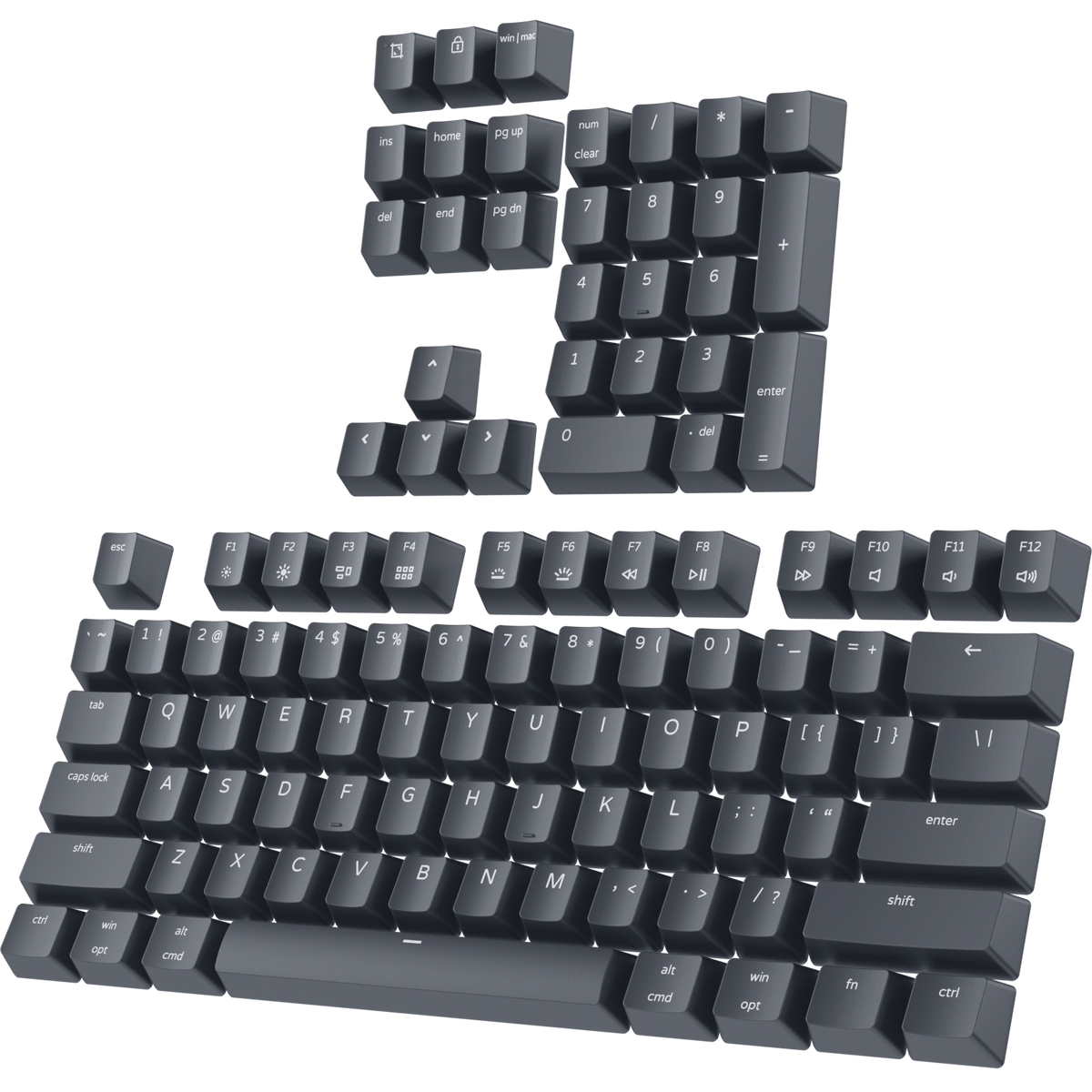
#Apple #Mac mechanical keyboard users who want a great set of PBT double-shot shine-through keys for their keyboard, check out this set from PWNAGE for only $15.
pwnage.com
Tabby is a great tabbed terminal for #Apple #Mac, #Windows, and #Linux that keeps getting better.
tabby.sh
If you’re having issues with alarm volume on #iOS being super low try disabling the Face ID “attention aware feature” setting. It drops the volume when it thinks you’re using the phone but I’ve seen it happen sitting on a nightstand.
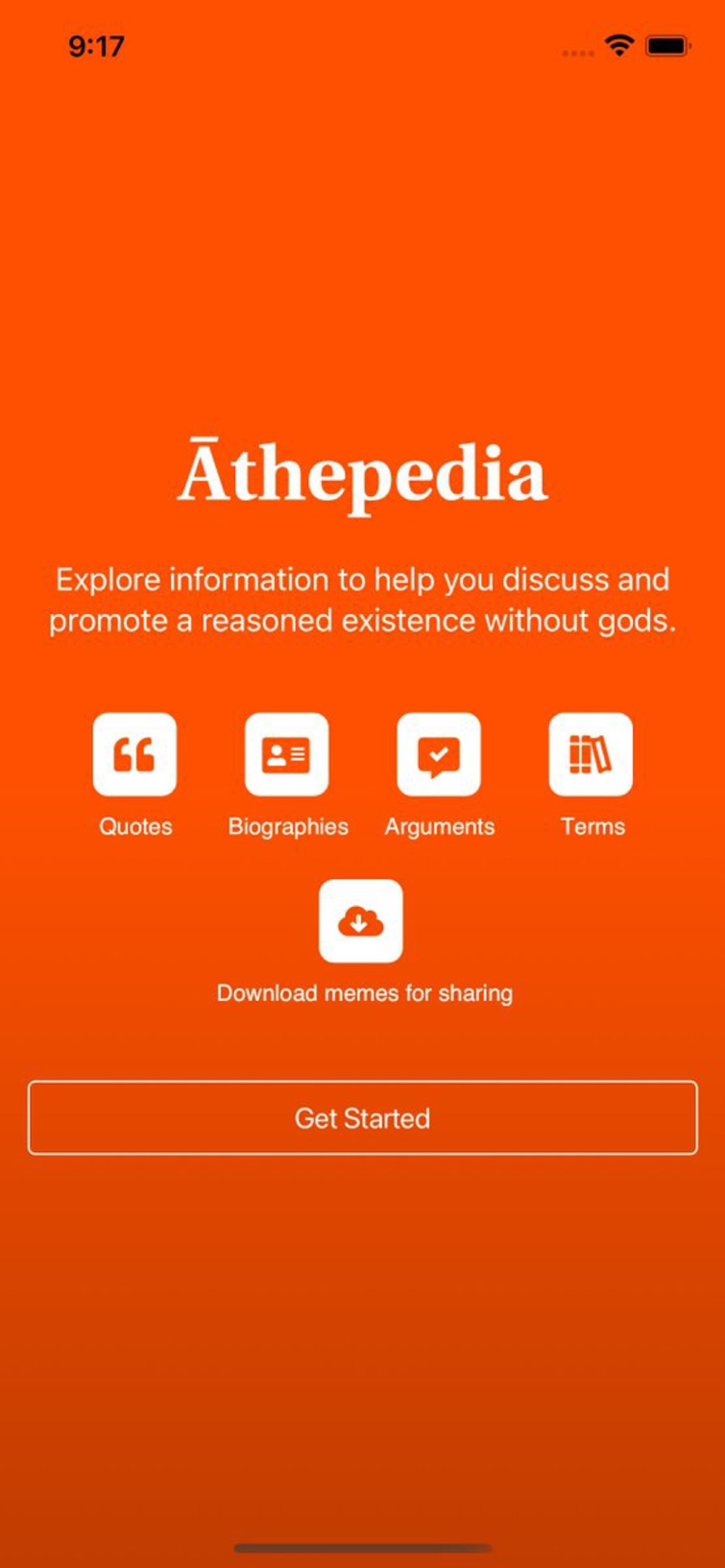
If you're interested in beta testing my new iOS app “Āthepedia” let me know. Need an iPhone running iOS 13 or later (Android version coming soon).
Apple announced lossless audio for #Apple Music and has no headphones that can play the lossless music.
#Apple Watch owners, what does it mean when you get off the toilet and your watch congratulates you for closing your activity rings? Asking for a friend.
When #Apple #iOS autocorrect changes “assume” to “ass you me both” it reminds me that I am so not worried about a robot apocalypse.
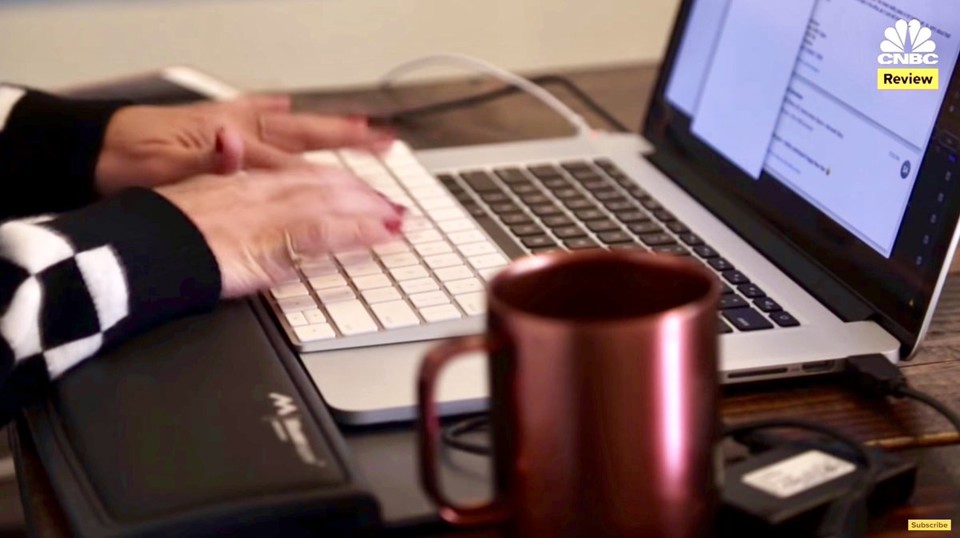
Can you imagine having to work this way because your MacBook keyboard is so uncomfortable? #Apple it’s time for a new MBP keyboard.
Non Sequiturs is the personal blog of Michael Argentini.
I'm a software developer and Managing Partner for Fynydd and Blue Sequoyah Technologies, the project lead for Coursabi, and Āthepedia founder. I also have several nerdy open source projects on Github.
I'd describe myself as an Oxford comma advocate, autodidact, aspiring polymath, and boffin, with a mechanical keyboard addiction. You can also find me on Mastodon.
By using this website you accept our privacy policy. Choose the browser data you consent to allow: